Xenrya works to make its website and Zyntria® products accessible to as many people as possible. That commitment extends across Water Adventure, Winter Adventure, free games, learning products, and other digital experiences as the product family grows.
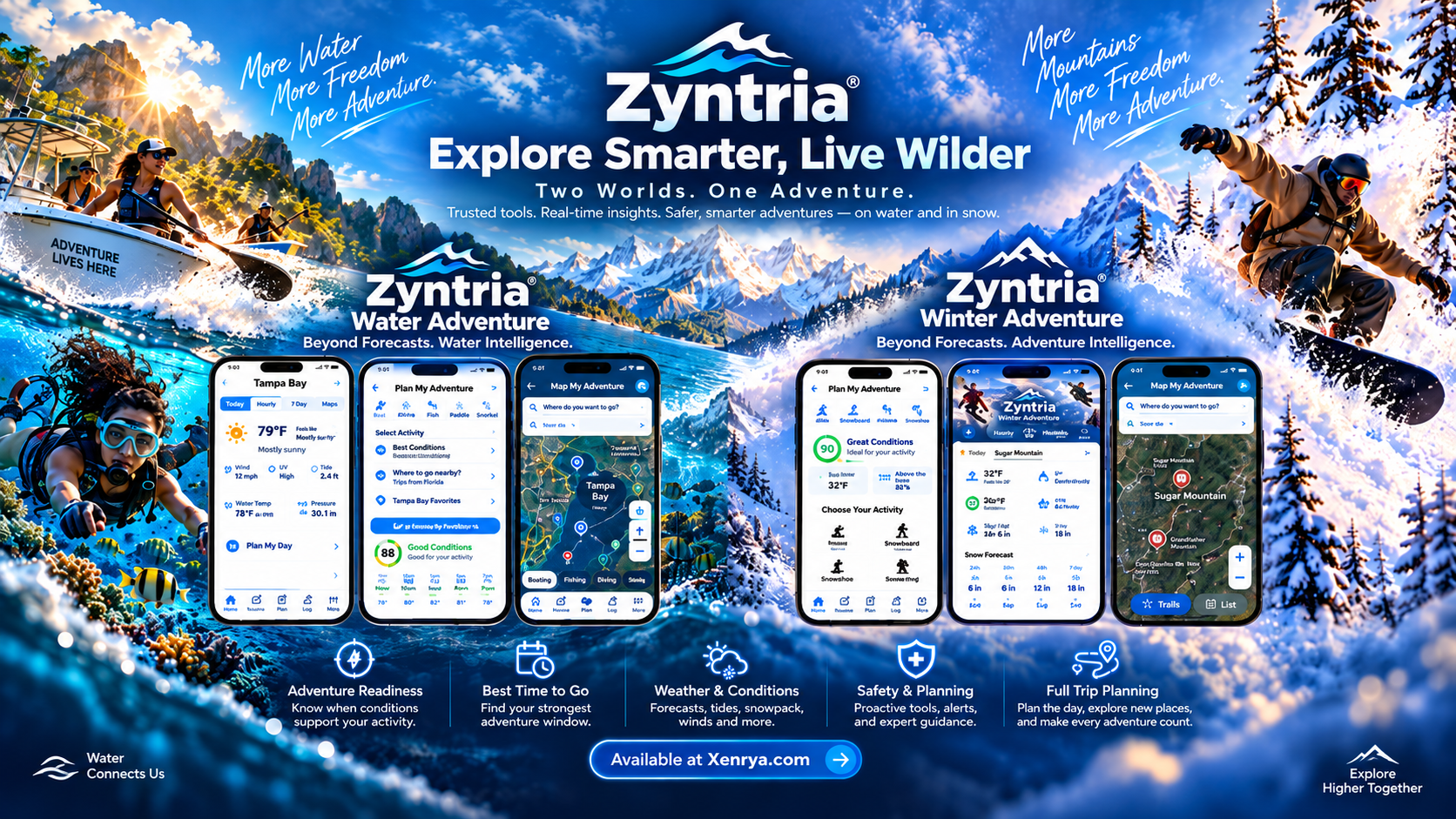
Accessibility is considered across the Xenrya website and the growing Zyntria® product family, including Water Adventure, Winter Adventure, Zyntria Play™, Zyntria Learn, and newer digital experiences.
We aim to follow recognized accessibility practices, including the Web Content Accessibility Guidelines (WCAG) 2.1 Level AA where practical. Accessibility can vary by product, feature, device, and operating-system capability, so we treat it as an ongoing part of product development rather than a one-time checklist.
The Zyntria® Adventure apps present information-dense experiences involving conditions, readiness, maps, routes, planning, hazards, and safety. We continue to evaluate how those experiences can remain understandable and usable through clear visual hierarchy, readable controls, meaningful labels, and supported system accessibility features.
Zyntria Play™, Zyntria Learn, and newer Xenrya experiences can use different interaction styles than the Adventure apps. Accessibility considerations therefore vary by product, but the same goals apply: understandable navigation, readable information, clear controls, and compatibility with relevant platform accessibility features where supported.
As Xenrya products change, accessibility can change with them. We review issues reported by users and may adjust layouts, labels, contrast, controls, interaction patterns, or assistive-technology behavior in future updates when improvements are identified.
If you encounter an accessibility barrier on the Xenrya website or in a Zyntria® product, tell us which page or app you were using, what happened, and which accessibility feature or assistive technology you were using if applicable.